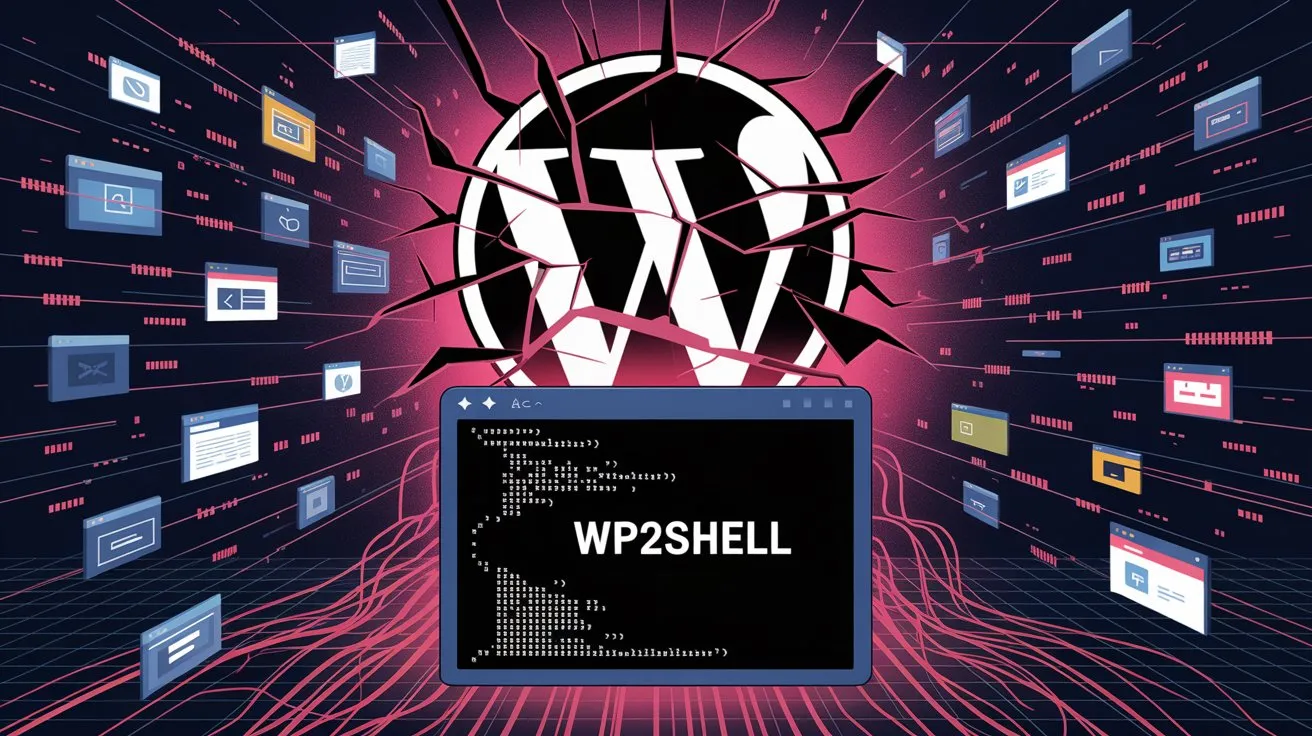
Check whether a WordPress version is exposed to WP2Shell (CVE-2026-63030 + CVE-2026-60137), the unauthenticated pre-auth RCE chain. Runs entirely in your browser – nothing is uploaded or logged.
Find it in Dashboard → Updates, or at the bottom-right of any wp-admin screen.
Reads the site’s public version signals (readme, generator tag, RSS feed) through a privacy-friendly relay to get around browser cross-domain limits. Some sites deliberately hide their version – if so, you’ll be told. Only scan sites you own or are authorised to test.
| 6.9.0 – 6.9.4 | Vulnerable (RCE) |
| 7.0.0 – 7.0.1 | Vulnerable (RCE) |
| 6.8.0 – 6.8.5 | SQLi only |
| 7.0.2 / 6.9.5 / 6.8.6 | Patched |
| Below 6.8.0 | Not affected |
For research & site-admin defensive use. Not affiliated with the WordPress Foundation. Data reflects the 17 Jul 2026 emergency releases.
If you run a WordPress site, WP2Shell is the vulnerability you cannot afford to ignore. Tracked as CVE-2026-63030 and chained with the SQL injection flaw CVE-2026-60137, it lets a completely anonymous attacker — no login, no plugin, no special setup — run their own code on your server. WordPress powers over 500 million sites, and public exploit code is already circulating, so the only question that matters right now is a simple one: is my version exposed?
The free checker above answers that instantly. Type in your WordPress version (you'll find it under Dashboard → Updates, or in the bottom-right corner of any wp-admin screen) and it tells you immediately whether you are in the vulnerable range.
WP2Shell (CVE-2026-63030): Checker, Patch & Detection Guide
It flags the full remote-code-execution risk for versions 6.9.0–6.9.4 and 7.0.0–7.0.1, the SQL-injection-only exposure on the 6.8 branch and confirms when you are safely on a patched build (7.0.2, 6.9.5 or 6.8.6).
Everything runs entirely inside your own browser. Nothing you type is uploaded, stored, or logged — there is no server, no tracking, and no database on our end. You can also switch to the “Check a site URL” tab to look up the WordPress version of a site you own or are authorised to test.
This tool is built for site owners, administrators and security researchers who need a fast, no-nonsense answer. Remember: the checker tells you your risk — the fix is to update WordPress immediately. Once you've checked, scroll down for the full patch steps, WAF rules, detection scripts and indicators of compromise.